
We offer several possibilities to add comments to your training. Let’s go through when to use them.
Set Comments
The first one is set comments. If you want to add comments for a specific set, this is the way to go. It can be useful both in planning your workouts, and if you want to add a comment during the workout.
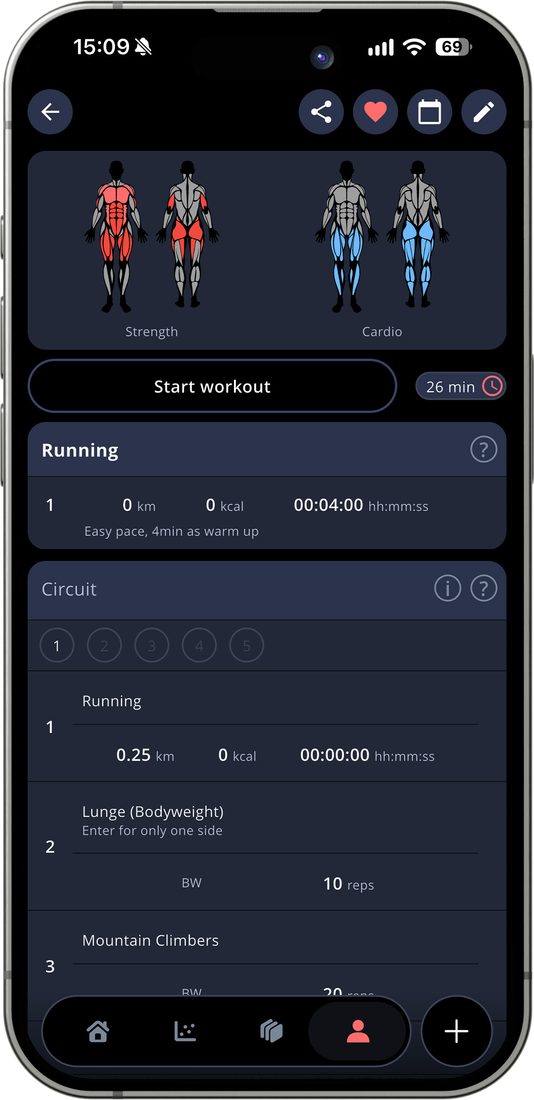
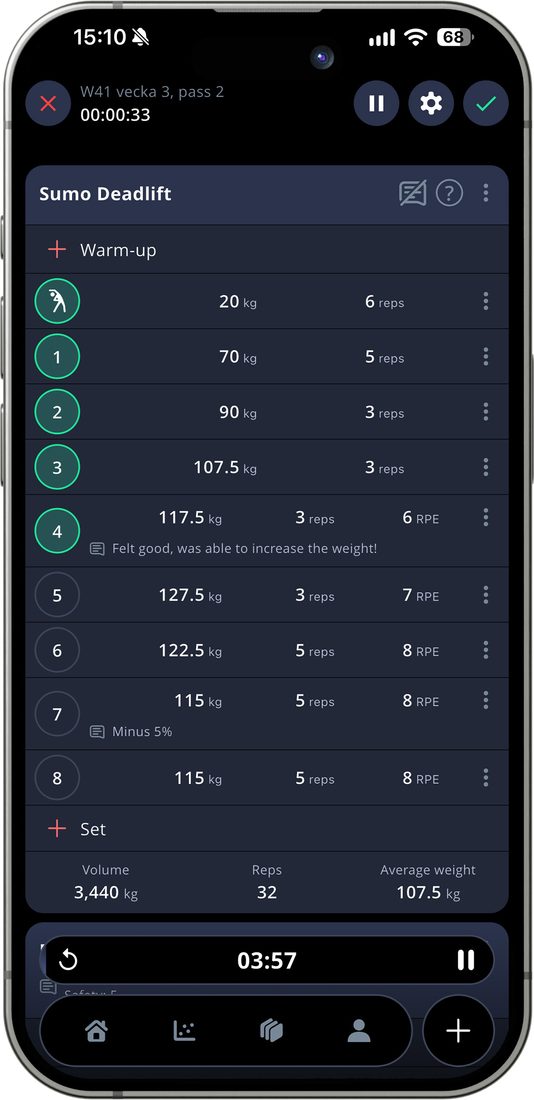
You can see your set comments in all stages, from preview, during your workout, and afterwards if you look in your training log/history.
Pinned Exercise Comments
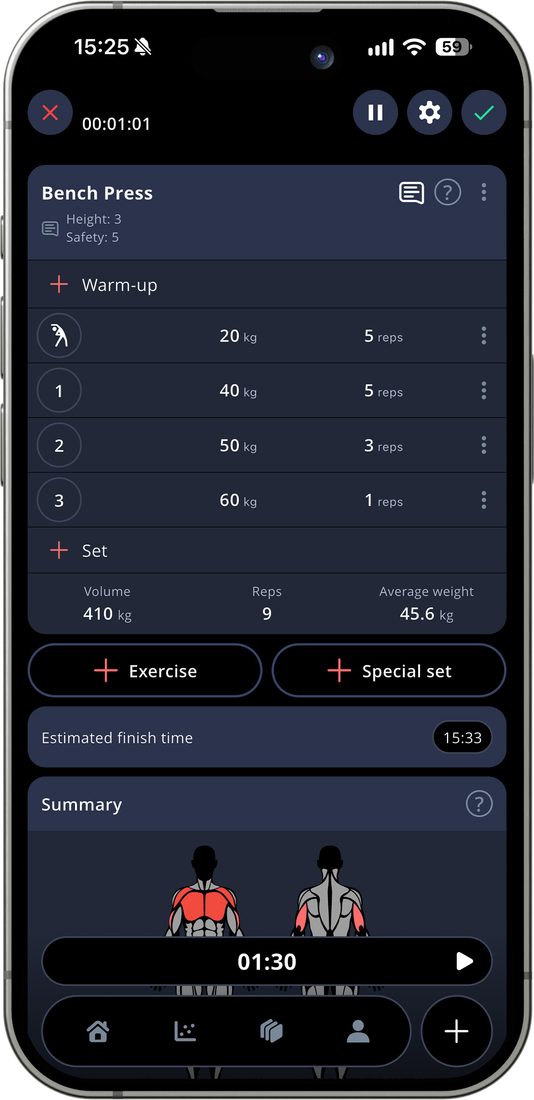
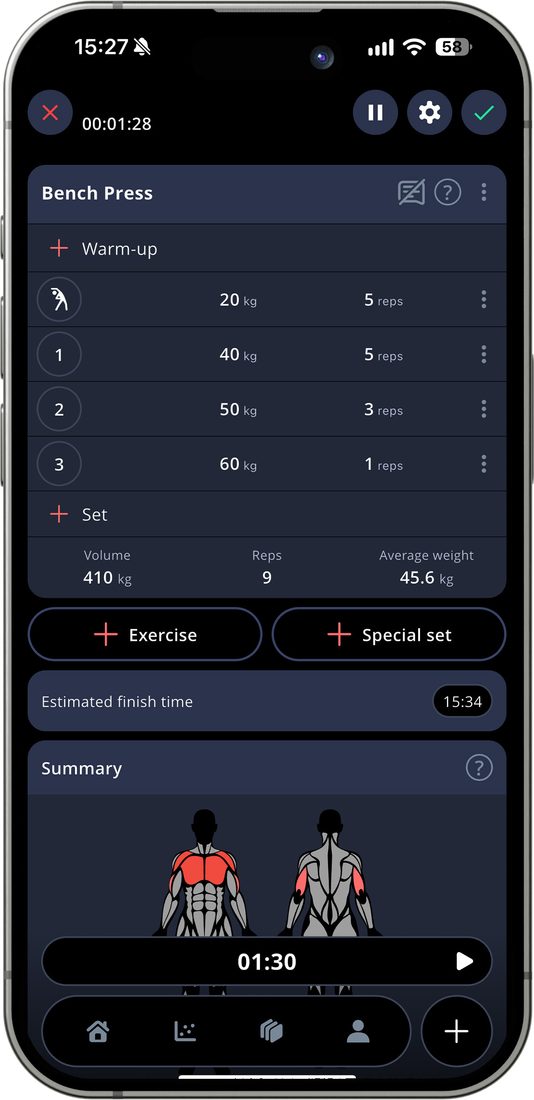
If you want to add specific instructions for an exercise, like cues or machine settings, we have pinned exercises comments for that.
The pinned exercises comments are only visible in your active workout, not in the preview of a workout or when looking at your history. This makes it perfect for instructions that you only need during the actual workout.
Comments
Sometimes, you want to add a comment that is specific for an exercise or a special set, but just for that one workout. This is what we during the developement process called a block comment, but in the app it’s just known as comment.
Just like the set comments, this can be used both as instructions and to comment what you’ve done during the workout.
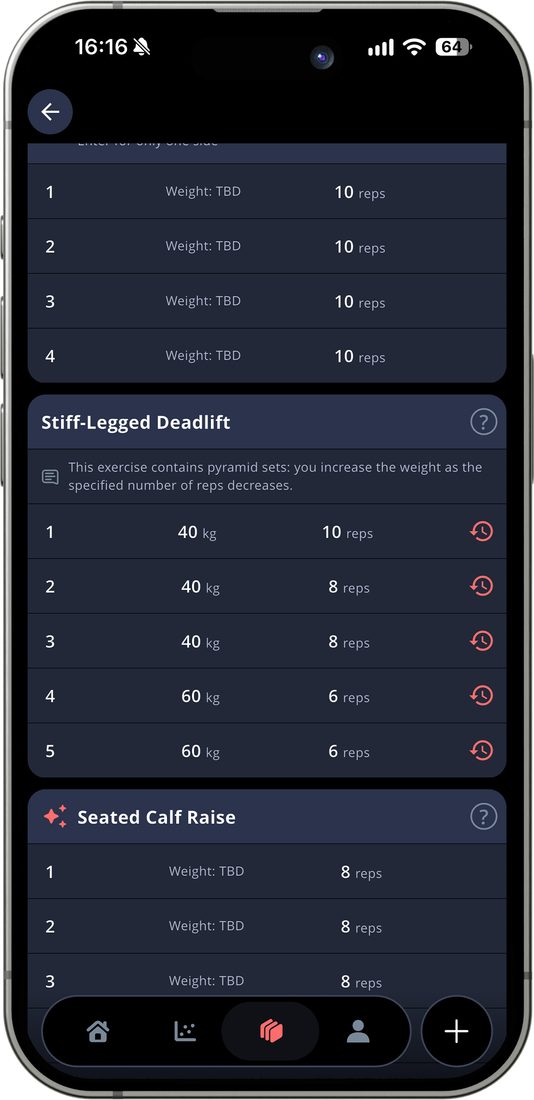
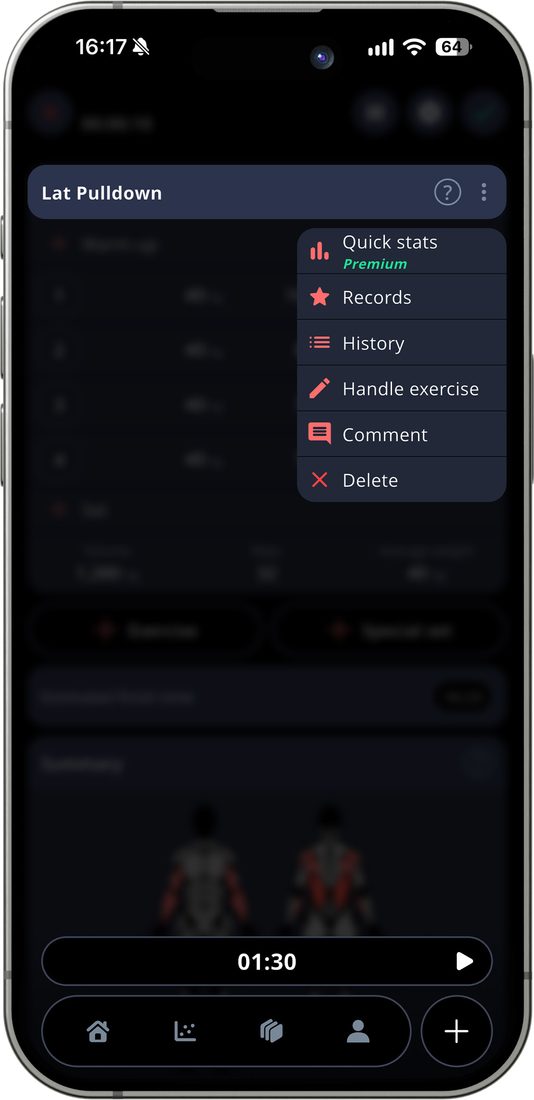
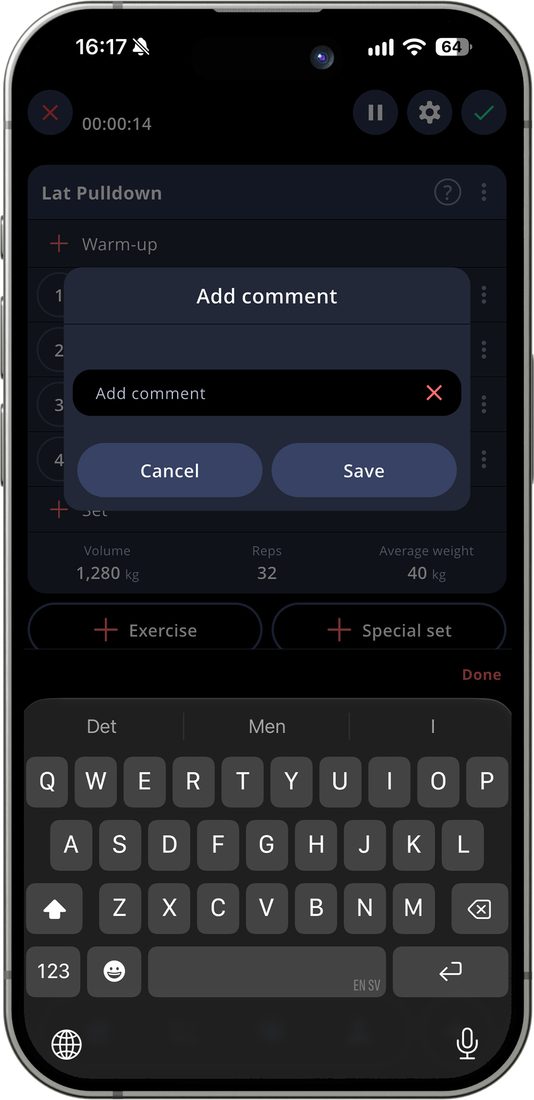
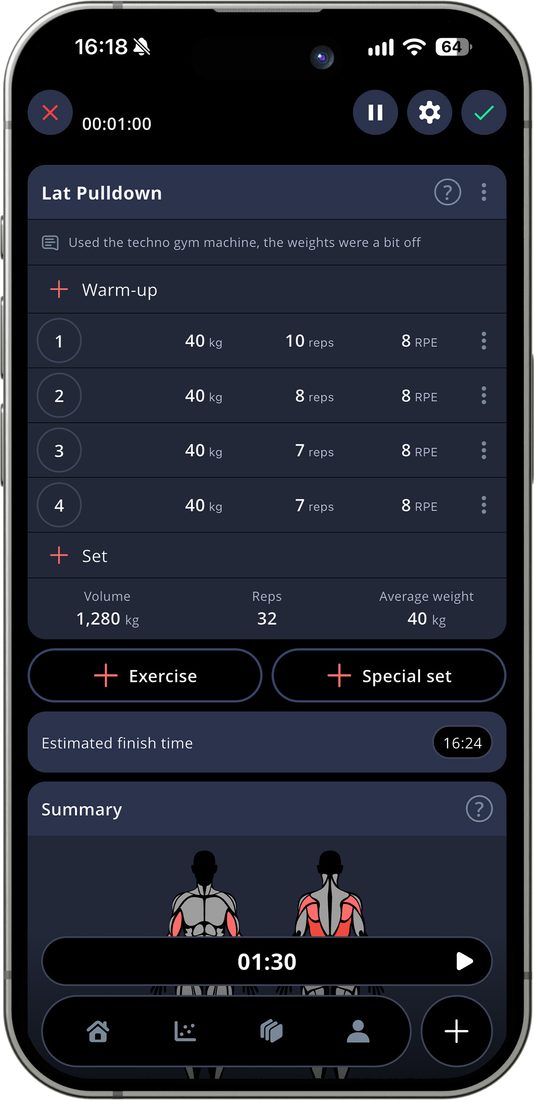
Just like the set comments, these comments are visible both before, during and after your workout.
Workout Comment
The last type of comment we have is a workout comment. This is a great place to write a short summary of how your workout felt.
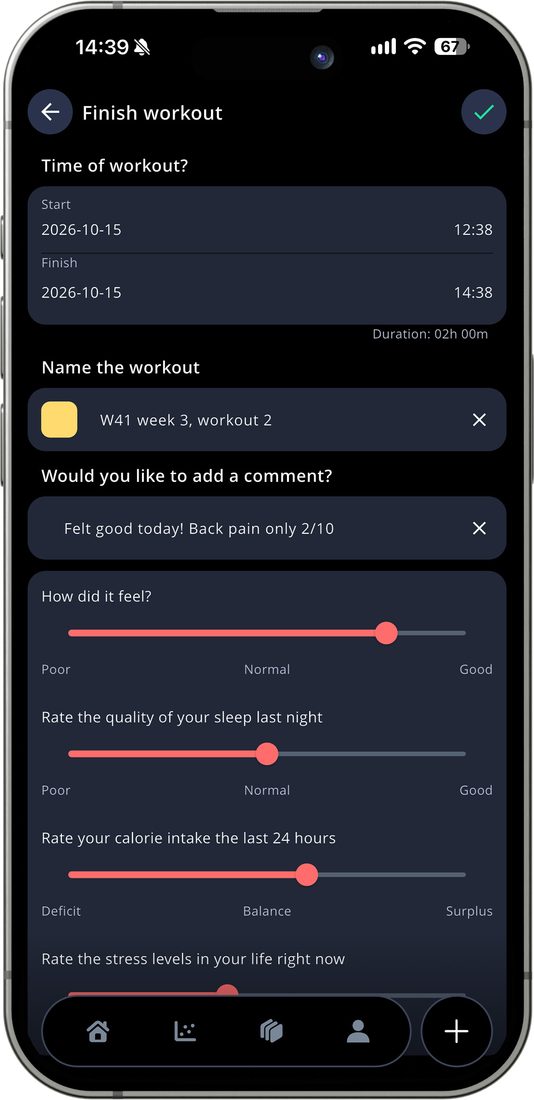
Bonus tip! If you are recovering from an injury or similar, it’s a great place to write how it felt in the workout comment. You are able to search for the text in your training log. In my example below, if I search for “Back pain” I’ll be able to see all workout where I’ve mentioned that in my comments.