You know that we’re all for logging all your workouts, but we are also aware that it’s possible to make mistakes. And if that happens, you might want to correct them. Here’s how to delete an entire workout, if you for some reason need to.
Delete a Workout from Your Home Screen
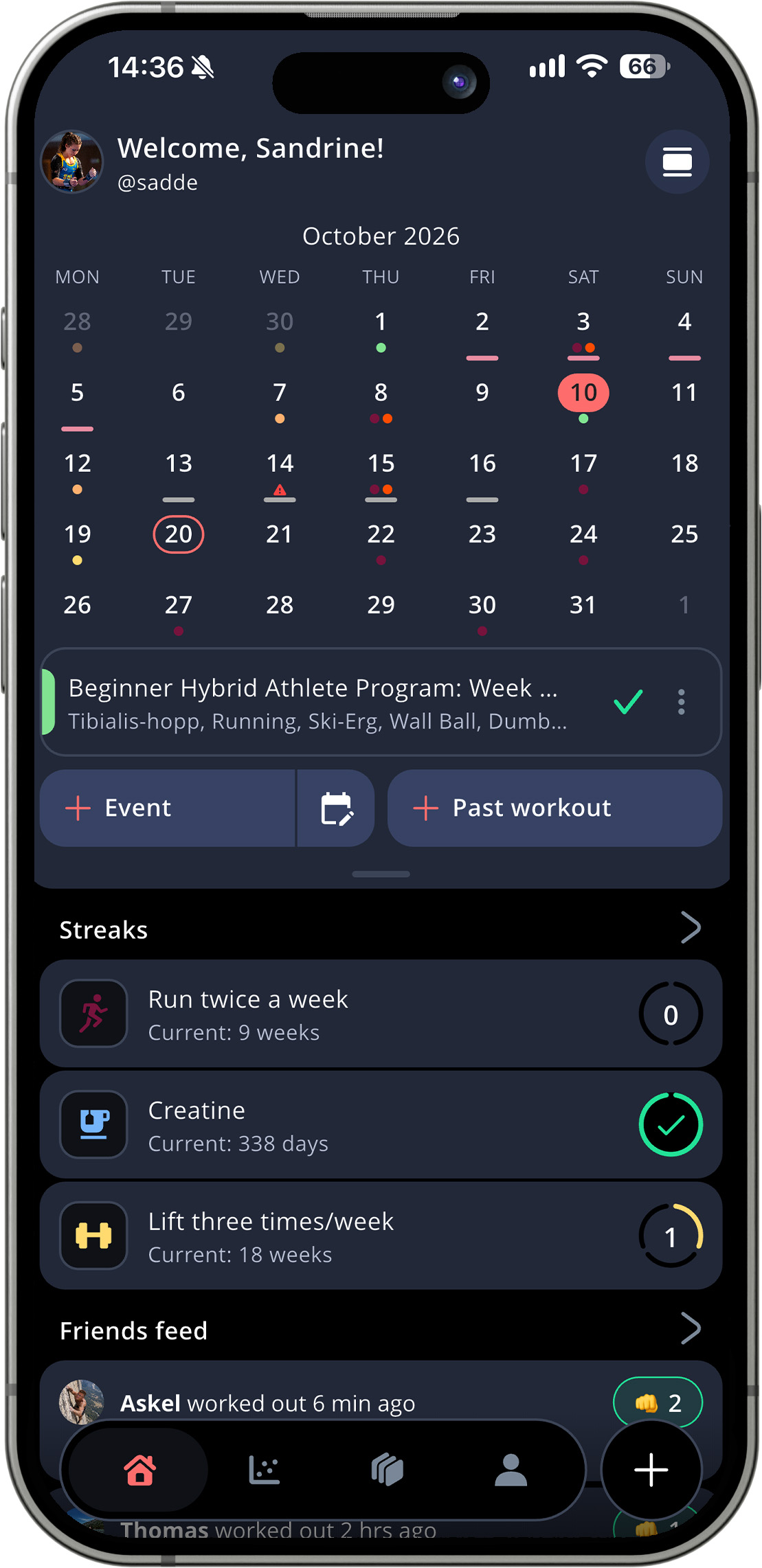
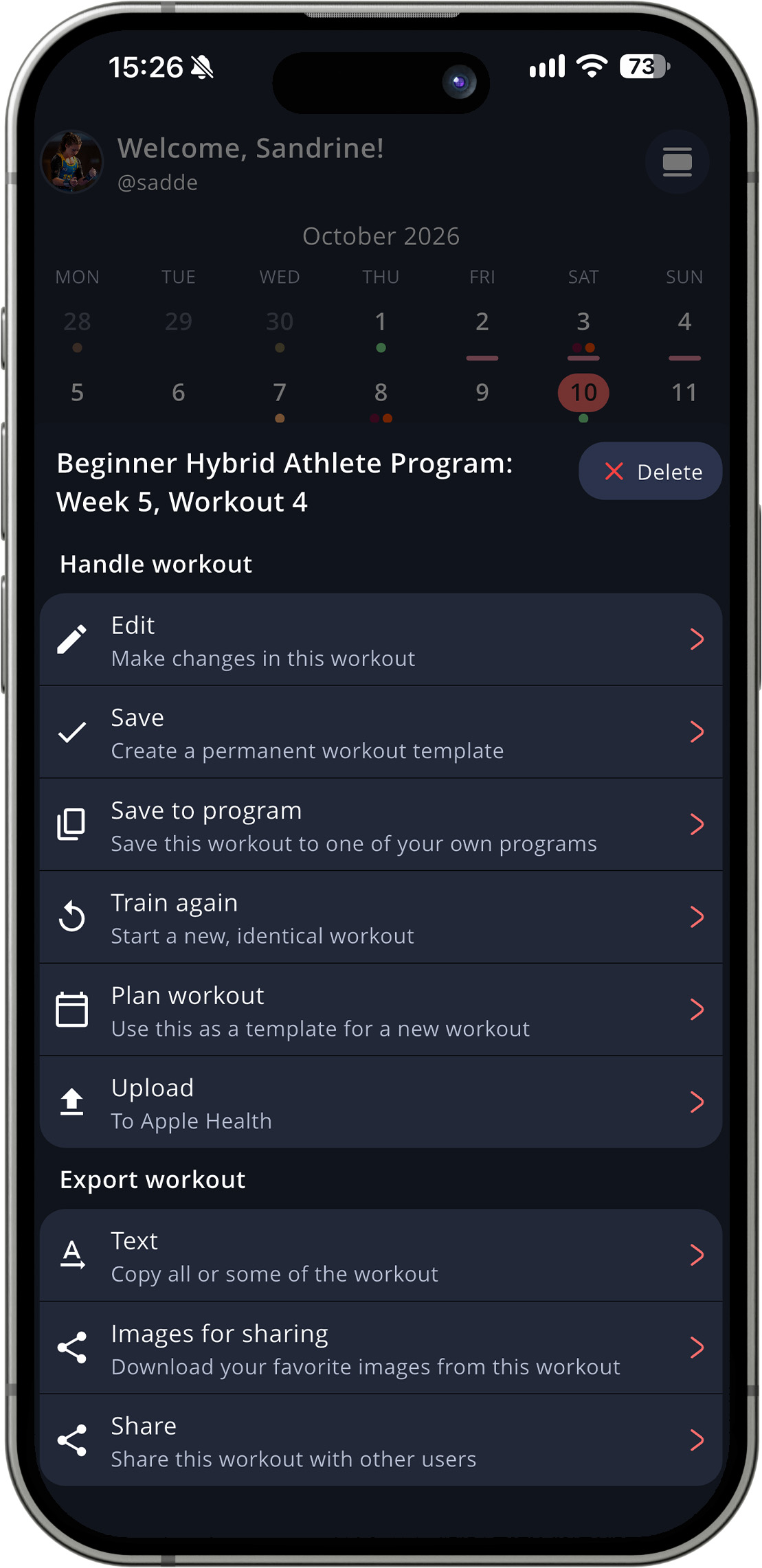
If you’ve know that you’ve saved a faulty workout, just find it in your calendar on the home screen and tap the three dots to the right of the workout. A pop up-menu will show, and you just need to tap Delete in the upper right corner of that menu.
Delete a Workout from Your Training Log
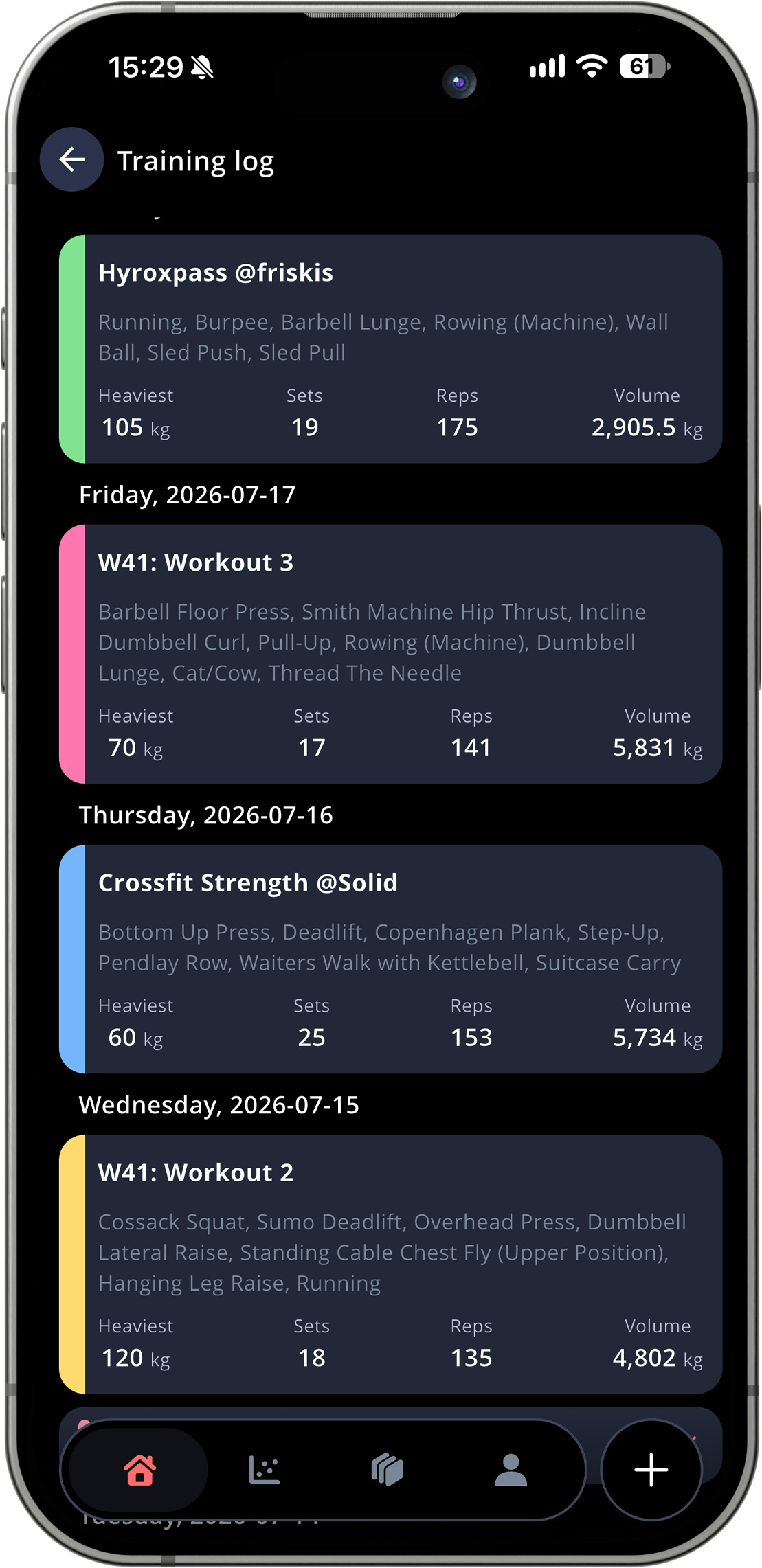
If you don’t want to scroll through your calendar, you can go to your training log and find the workout that way. Tap the training log icon in the upper right corner of your home screen.
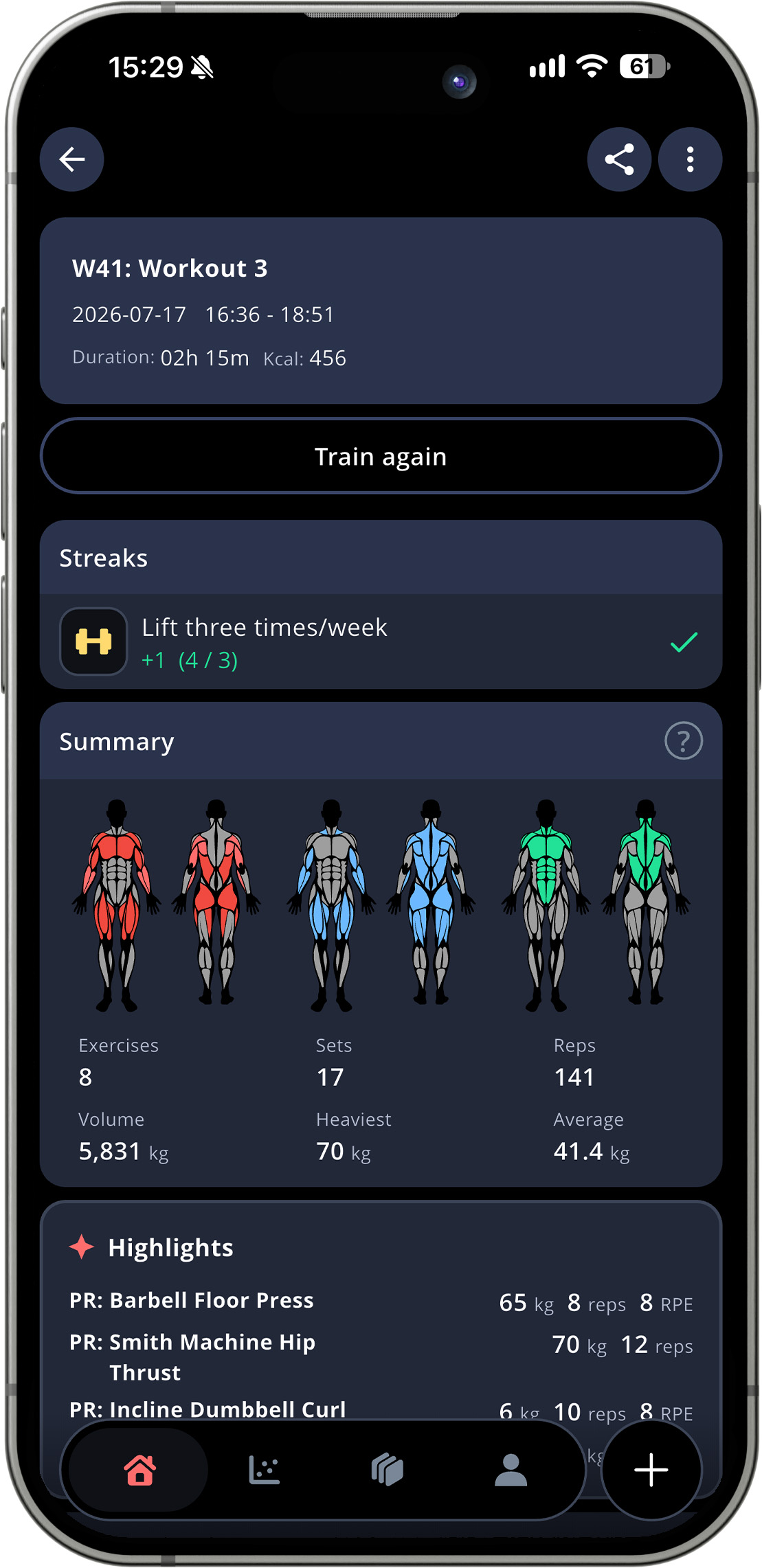
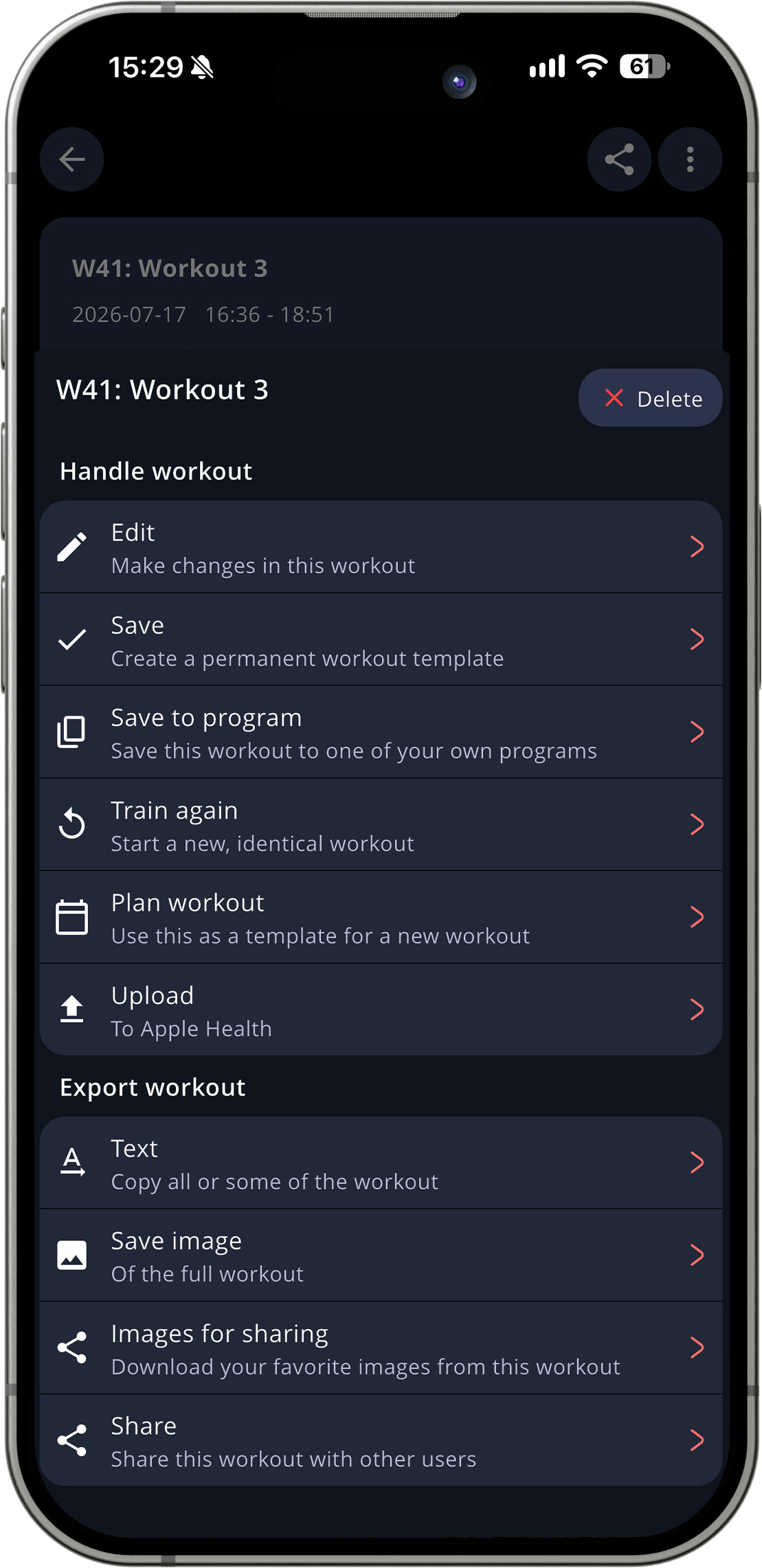
Scroll down to/search for the workout, tap it, and you’ll see a summary of the workout. Tap the three dots in the upper right corner, and then tap Delete.