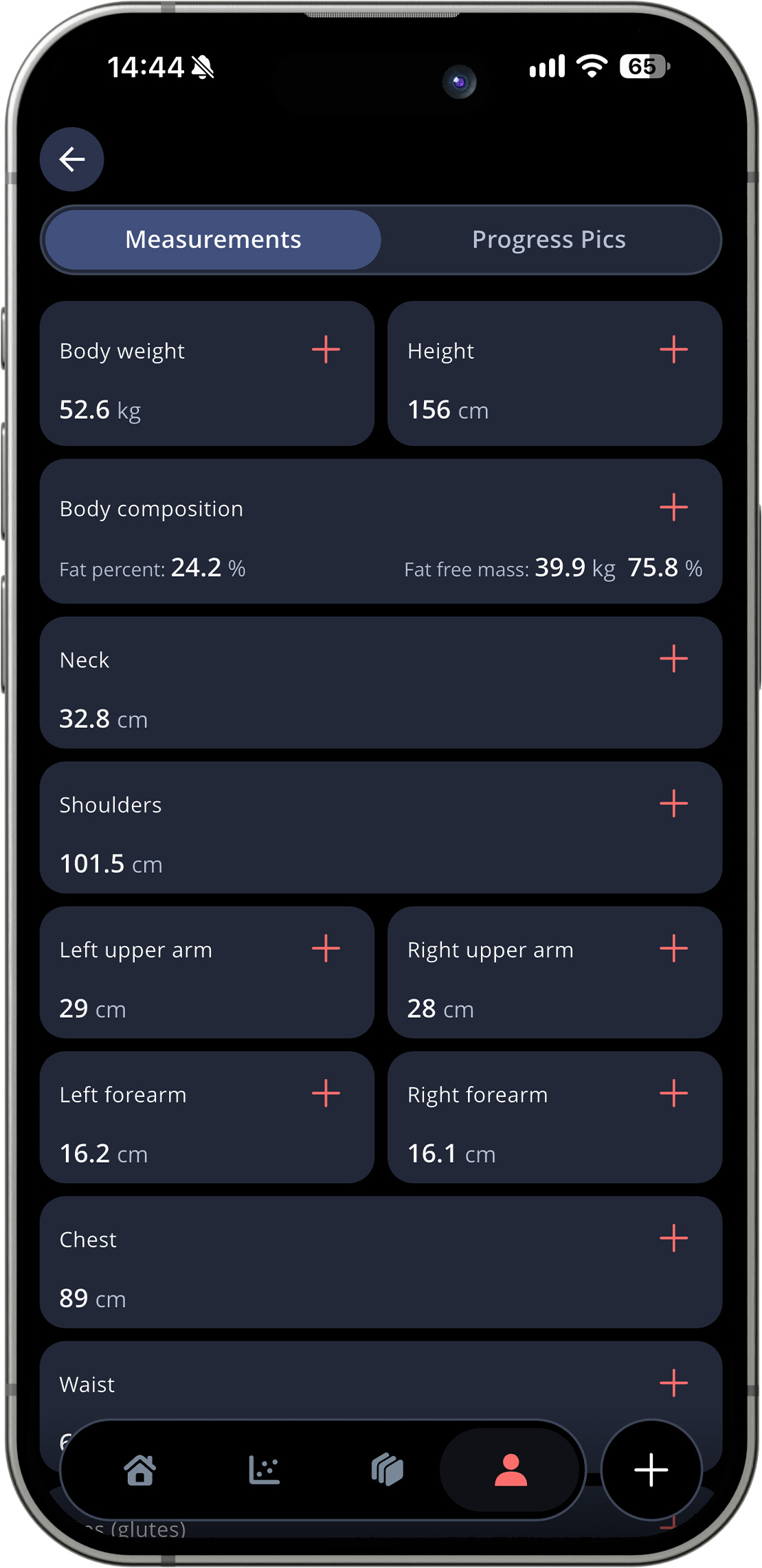
If you want to track your body weight or measurements – we got you covered! Go to your profile (the small icon of a person in the bottom menu), and choose Body & Photos. Here, you’ll see an overview of the different measurements you can track.
If you want to register a new data point, just tap the plus sign next to that measurement. Enter the data, and the date you want to register it on.
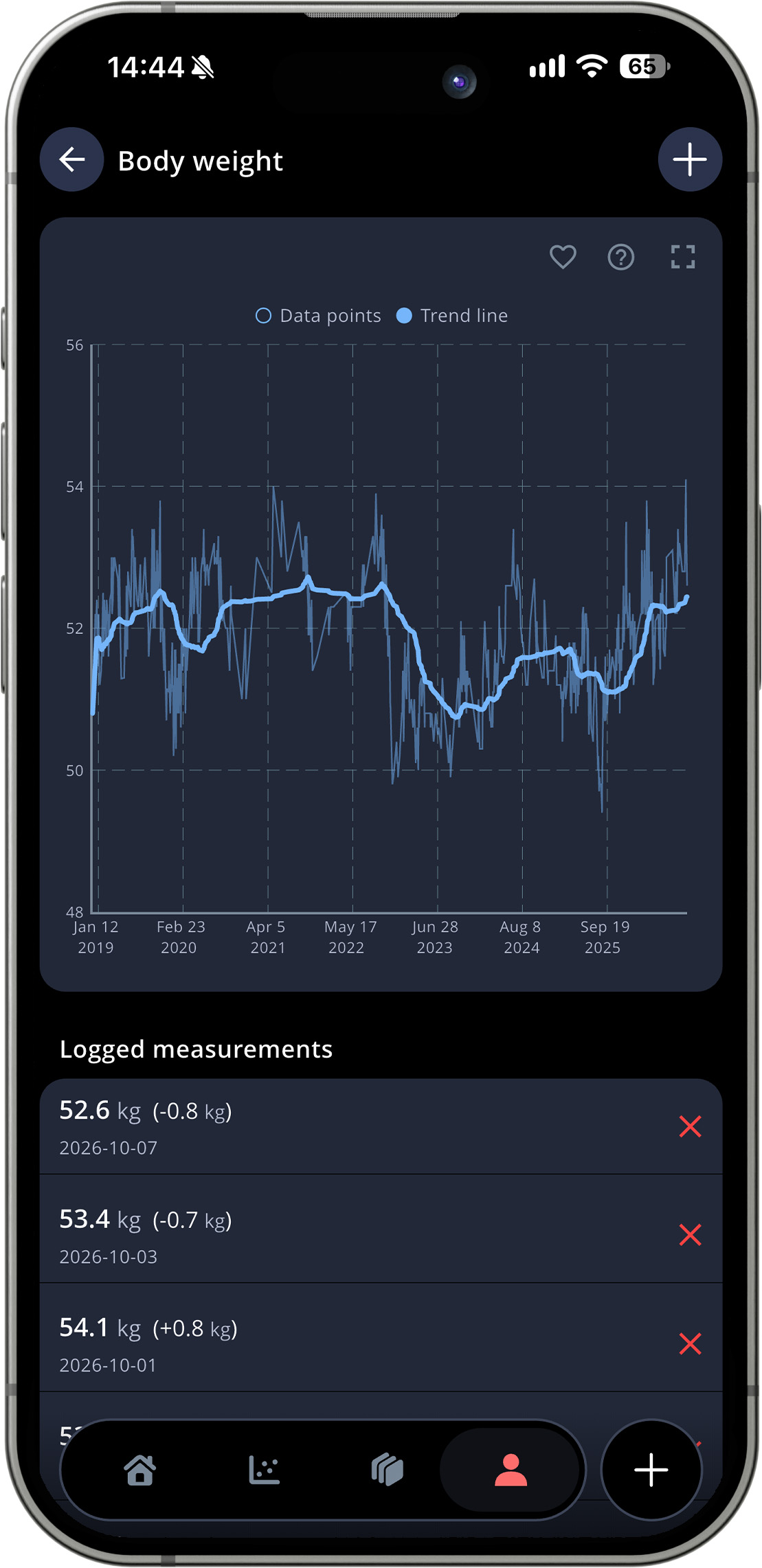
By tapping one of these cards, you’ll get a graph showing all your registered data for that measurement as well.