
It’s possible to add your own exercises in the app, but we have of course added plenty of exercises in our exercise directory for you as well.
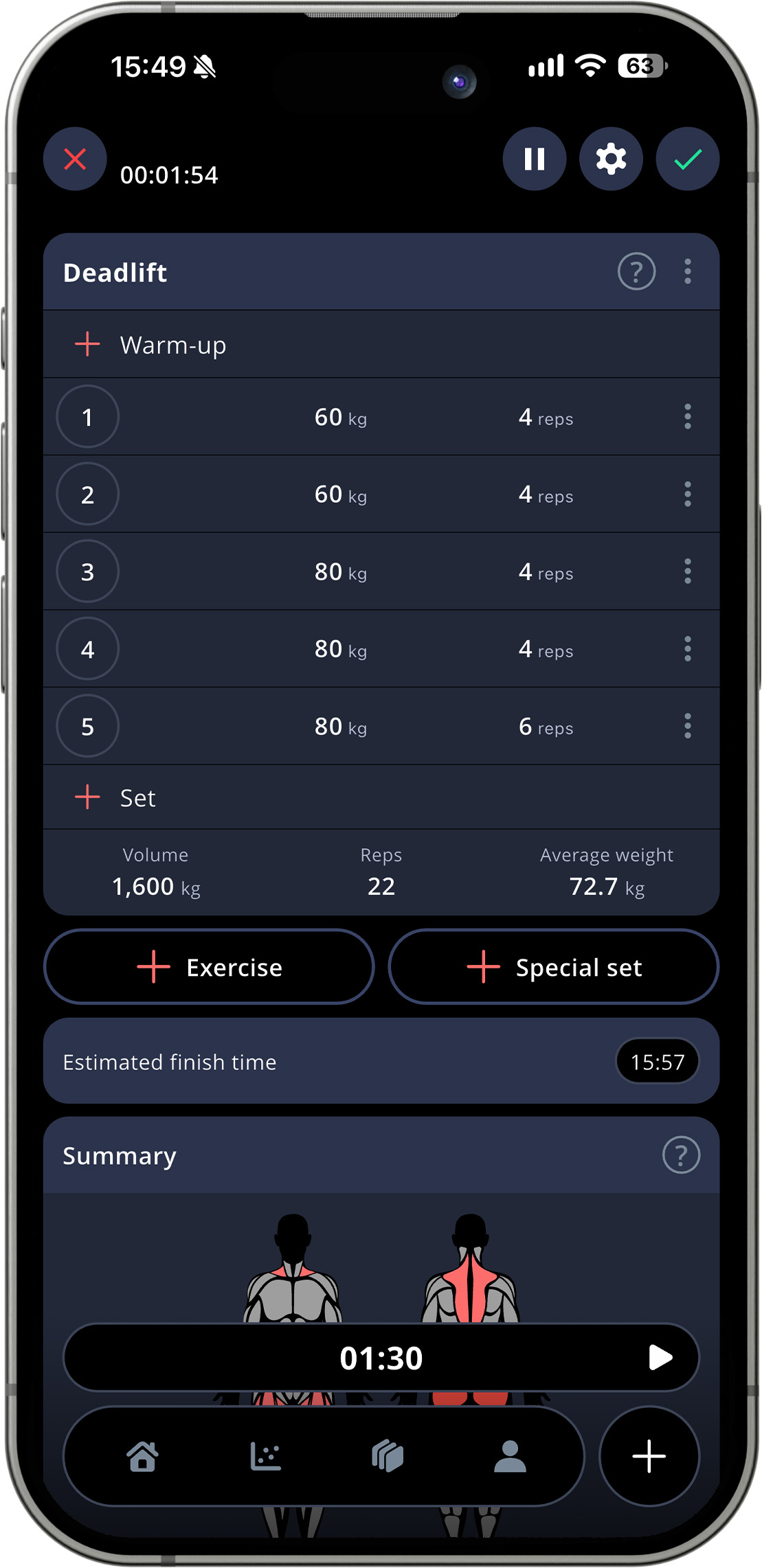
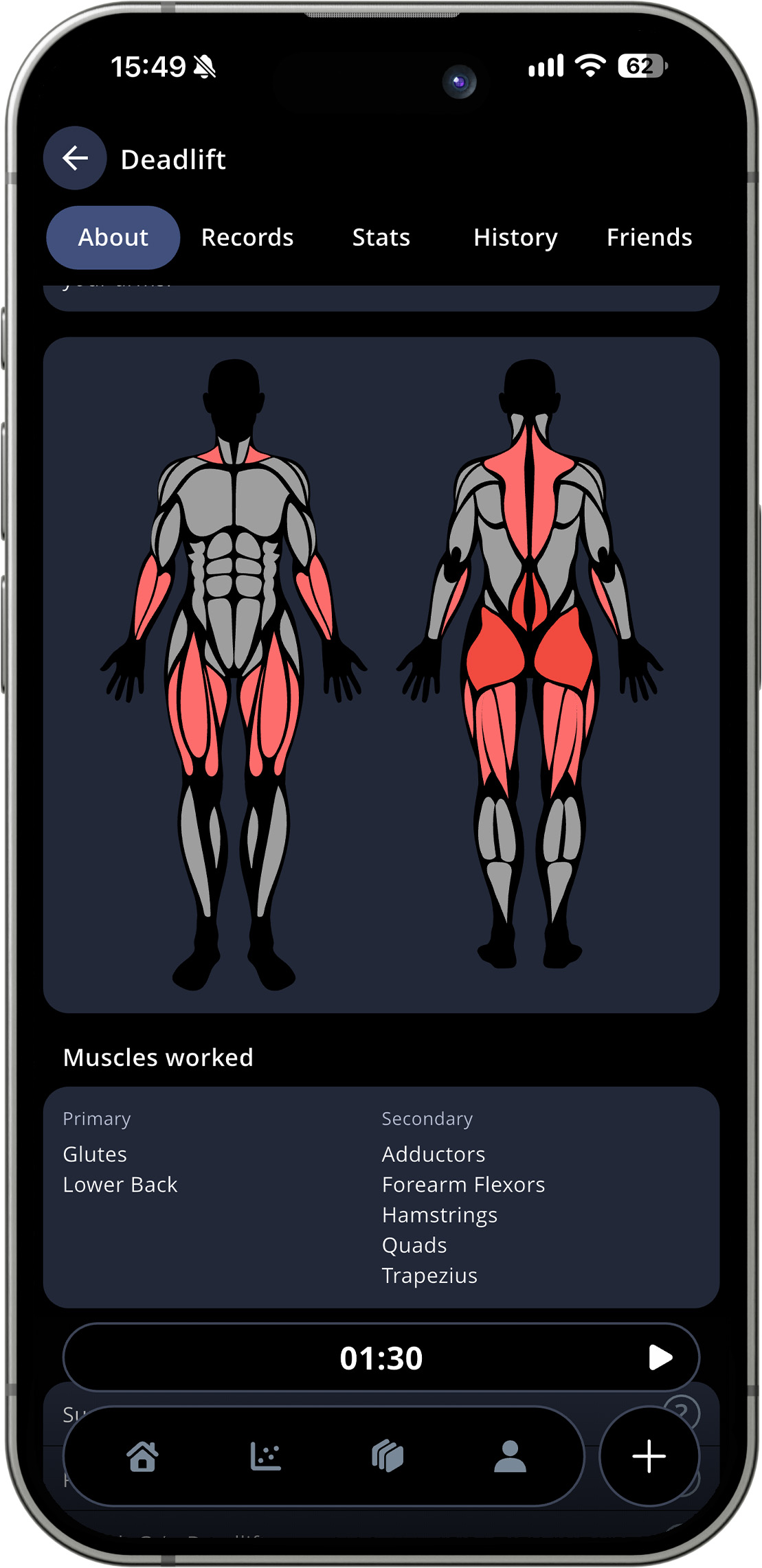
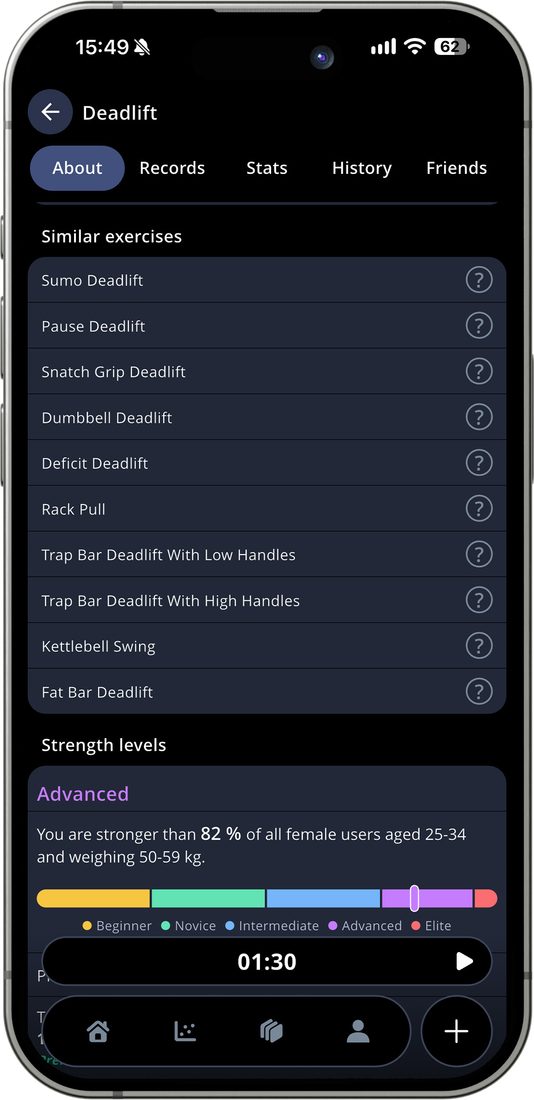
If you stumble upon an exercise that you don’t know how to perform, we have tried to help you out by packaging both written instructions and a gif into the small icon with a question mark to the right. Simply click on the icon to open the information page about your chosen exercise.
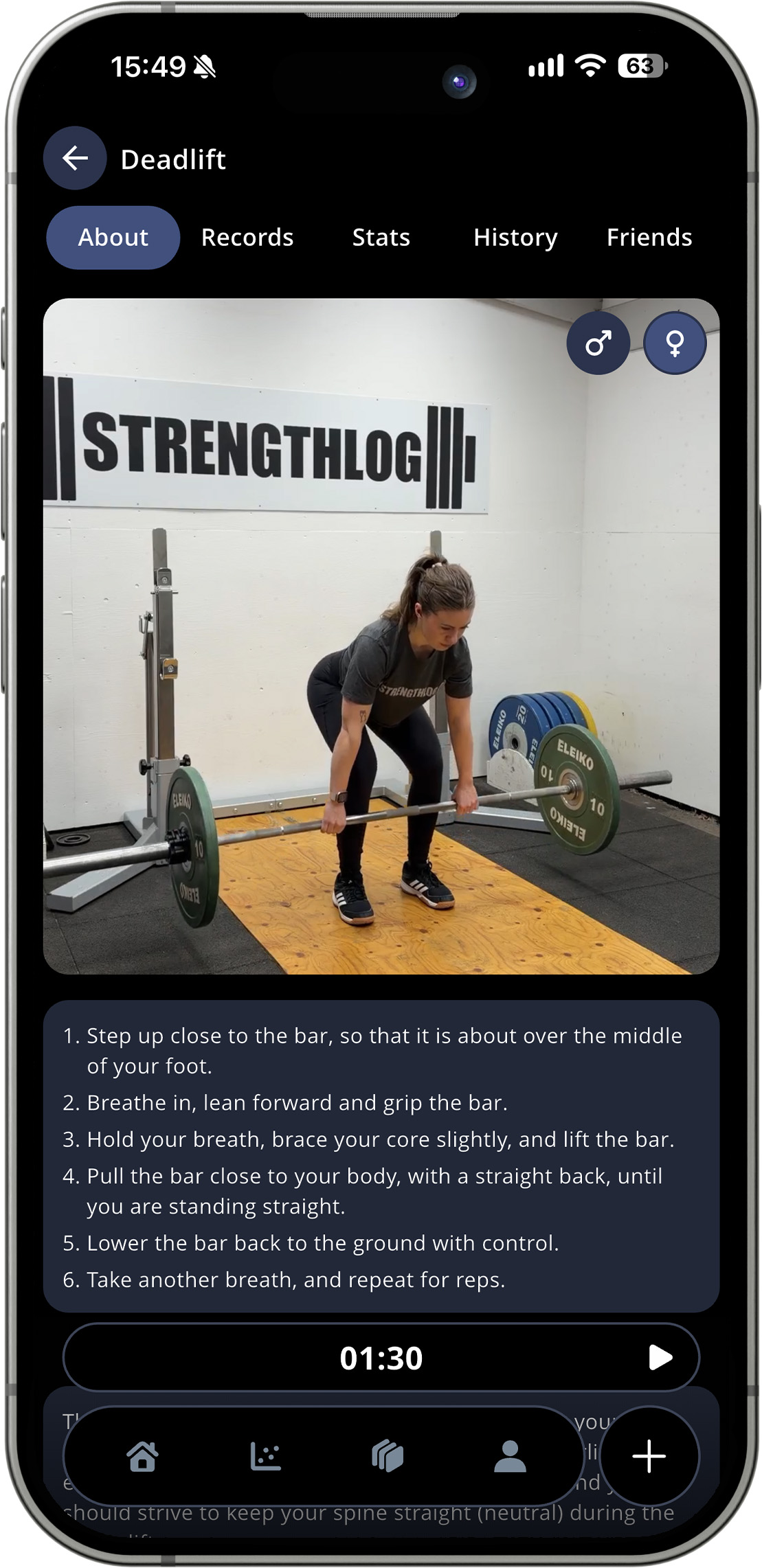
With version 8.1 of the app, we started the process of building up a bigger library of video instructions. We record these ourself, which means that the person you see is most likely a StrengthLog employee, or our friends and family!
Most exercise have one video already, but going forward, we’ll try our best to ensure that most exercises get one video with a man and one with a woman. For the exercises having both, you’ll see the one corresponding to the gender you’ve picked in the app first, but you will still be able to watch both by tapping the gender icons in the upper right corner of the demo.
Comments are closed.